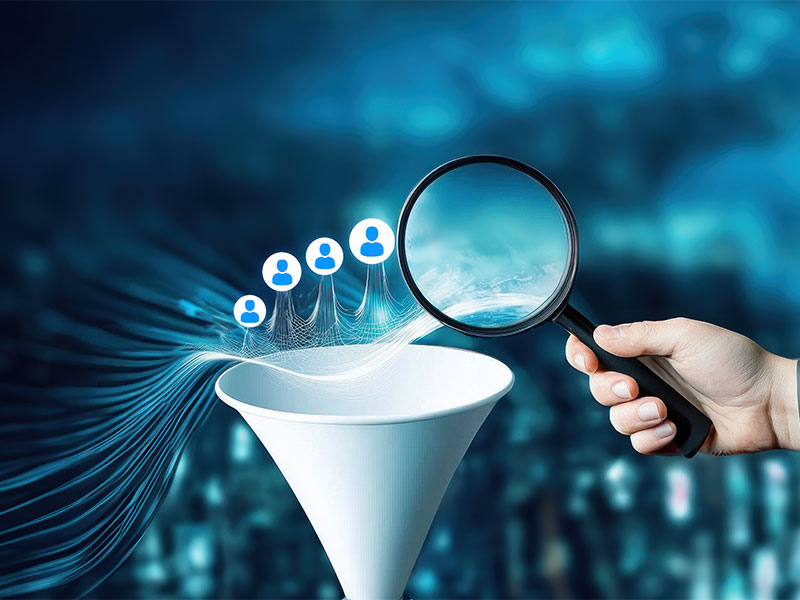
Most businesses running Facebook Lead Ads are sitting on a leaky bucket. Leads come in, get exported to a spreadsheet, and by the time someone calls or texts, it’s been four hours. The prospect has already forgotten they clicked. Statistically, the odds of converting a lead drop by over 80% if you wait longer than five minutes to follow up. That’s not a sales problem. That’s a process problem—and integrating Facebook Lead Ads directly into a WhatsApp CRM is the fix.
Why WhatsApp Is the Right Follow-Up Channel?
Email open rates hover around 20%. WhatsApp messages get opened at over 90%—often within minutes. For business owners running Facebook lead generation campaigns, this difference is the gap between a pipeline that converts and one that stagnates.
When someone fills out a Facebook lead form, they’re in the moment. They’re curious, interested, and available. A WhatsApp message that hits their phone within 60 seconds of form submission meets them exactly where their attention is. A follow-up email the next morning does not.
Beyond speed, WhatsApp feels personal. It’s the same app people use to talk to friends and family. A well-crafted automated message doesn’t feel like marketing—it feels like a conversation starting.
What You Need Before You Begin?
Before you can learn how to integrate Facebook Lead Ads into a working WhatsApp CRM pipeline, make sure you have the following in place:
- A Meta Business Account—your Facebook Page and ad account must be connected here
- A WhatsApp Business API number—not the regular WhatsApp Business app, but an API-enabled number through a BSP (Business Solution Provider) like Twilio, 360dialog, or similar
- A CRM platform—options like HubSpot, Zoho, GoHighLevel, or any CRM that supports Meta Lead Ads webhook integration
- Optional: An automation tool—Zapier or Make (formerly Integromat) if your CRM doesn’t natively support Meta webhook triggers
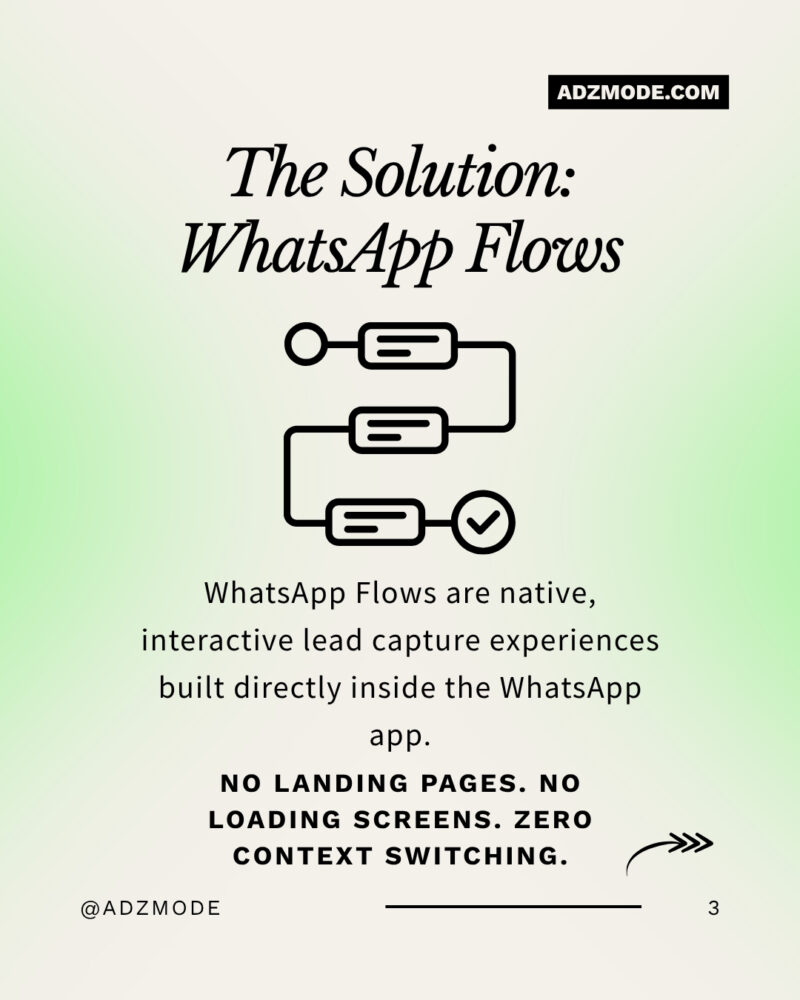
Method 1: Direct Webhook Integration (Fastest & Most Reliable)
This is the recommended path for businesses that want real-time lead delivery with zero manual steps.
Step 1: Build Your Facebook Lead Ad Form
In Meta Ads Manager, create a new campaign with the Leads objective. At the ad set level, select Messaging Apps as the conversion target and choose WhatsApp as the platform. Design your lead form—keep it under 5 fields to maximize completion rates. Name, phone number, and one qualifying question is the sweet spot.
Step 2: Get Your CRM Webhook URL
Log in to your CRM and navigate to the integrations or API settings. Look for a Facebook Lead Ads or Meta Leads webhook option. Copy the unique webhook URL your CRM generates—this is the receiving address for all incoming lead data.
Step 3: Connect the Webhook in Meta Business Suite
Go to Meta Business Suite → Leads Center → Forms Library. Select your specific lead form, click CRM Setup, and paste your webhook URL. Map each form field (name, phone, email, custom questions) to the corresponding fields in your CRM.
Step 4: Configure the WhatsApp Trigger
Inside your CRM, set up an automation rule: “When a new lead is received from Meta Lead Ads → send WhatsApp message template.” Your message template must be pre-approved through the WhatsApp Business API. A simple, warm opener works best—something like: “Hi [First Name], thanks for your interest! I’m [Your Name] from [Business]. Can I take 2 minutes to tell you more?”
Step 5: Tag and Route Leads Automatically
Configure your CRM to apply campaign-specific labels to each incoming lead. This lets your sales team instantly see which ad, audience, or offer generated that contact—critical for ROI tracking and follow-up prioritization.
Method 2: Zapier or Make Automation (No-Code Alternative)
If your CRM doesn’t have a native Meta webhook, this method bridges the gap without any technical setup.
1. Create a new Zap in Zapier (or Scenario in Make)
2. Set the trigger as “New Lead in Facebook Lead Ads” and connect your Facebook Page and specific form
3. Add an action step to create a contact in your CRM using the submitted form fields
4. Add a second action to send a WhatsApp message via your API platform (e.g., Twilio, 360dialog)
5. Optionally, add a third step to notify your sales rep via Slack, email, or push notification so they can follow up personally within minutes
This method works beautifully for small teams or businesses testing the integration before investing in a full CRM build.
Method 3: Using LeadsBridge for a Simpler Setup
For businesses not yet ready to invest in full WhatsApp API access, LeadsBridge offers a practical alternative. Using your existing WhatsApp or WhatsApp Business app on an Android device, LeadsBridge acts as a gateway:
- You receive instant alerts the moment a new Facebook lead submits
- Pre-personalized WhatsApp messages can be sent with a single tap
- No API setup or additional phone number required
This is ideal for solo business owners or small teams managing lead volume under 100 per day.

Why Agentic AI Is the Next Evolution of This System?
Setting up the webhook is step one. Scaling it intelligently is where most businesses plateau. This is where agentic AI for marketing becomes a genuine competitive advantage.
Unlike basic automation that follows rigid if-then rules, agentic AI reasons over real-time data and takes multi-step actions autonomously. Imagine your WhatsApp CRM not just sending a welcome message—but analyzing the lead’s ad interaction, identifying their likely product interest, and routing them to the right sales conversation without human input.
If you want to go beyond basic automation and build a lead pipeline that thinks for itself—agentic AI is the infrastructure your marketing deserves. Platforms powered by agentic AI can execute entire campaign workflows, qualify leads, and personalize conversations at a scale no human team can match. It’s not just smarter marketing—it’s marketing that runs while you sleep.
Agentic AI for marketing collapses the time between lead signal and sales action—from days to seconds. For high-volume Facebook lead generation campaigns, this means higher conversion rates, better lead scoring, and a measurable improvement in cost-per-acquisition.
Tracking, Optimizing, and Scaling the Integration
Once your Facebook Lead Ads to WhatsApp CRM integration is live, your focus shifts to optimization.
Track these metrics weekly:
- Lead-to-first-contact time (target: under 60 seconds)
- WhatsApp open rate and reply rate on your first message
- Lead-to-appointment or lead-to-sale conversion rate by campaign
- Cost per qualified lead by ad set and audience
Optimization tips that actually move the needle:
- A/B test your WhatsApp opening message—a question often outperforms a statement
- Segment leads by campaign tag and send different follow-up sequences based on the offer they responded to
- Review CRM pipeline drop-off points weekly—if leads stall at a specific stage, that’s where your message sequence needs work
- Use click-to-WhatsApp ads for high-intent audiences and lead form ads for top-of-funnel cold traffic—they serve different purposes
The Role of a Strategic Marketing Partner
You can set up this entire system yourself—and the steps above will get you there. But execution and strategy are two different things. Knowing how to connect tools is not the same as knowing which audiences to target, which lead form questions to ask, or how to structure a WhatsApp nurture sequence that converts.
The best social media marketing agency doesn’t just run your Facebook ads—they architect your entire lead generation funnel. From the creative and copy on your ads to the WhatsApp message that greets your lead three seconds after they submit, the best agencies treat every touchpoint as a conversion opportunity. If your current campaigns feel like shots in the dark, it’s time to work with people who know exactly where to aim.
Partnering with an experienced agency means your Facebook Lead Ads strategy is built on audience data, tested creatives, and a backend CRM workflow that actually closes deals—not just collects names.
CLICK FOR MORE
Common Mistakes to Avoid
- Using a personal WhatsApp number instead of the Business API—it breaks at scale and violates Meta’s policies
- Skipping field mapping—if your CRM doesn’t receive the phone number correctly, no WhatsApp message fires
- Sending template messages that haven’t been approved—WhatsApp will block your account for unapproved templates
- Not assigning pipeline stages—leads that aren’t tracked through a funnel are leads that get forgotten
FAQs
Q: Do I need the WhatsApp Business API to integrate with Facebook Lead Ads?
For fully automated, scalable integration—yes. The regular WhatsApp Business app works for manual or semi-automated setups, but the API is required for webhooks, CRM triggers, and high-volume automation.
Q: Can I do this without a CRM?
You can use Zapier or Make as a lightweight alternative. However, without a CRM, you lose pipeline visibility, lead history, and the ability to track conversions back to specific ad campaigns.
Q: How fast can a lead receive a WhatsApp message after form submission?
With a direct webhook setup, delivery can happen in under 10 seconds. Even with Zapier, most automations fire within 1–2 minutes.
Q: What should my first WhatsApp message say?
Keep it short, personal, and conversational. Use the lead’s first name, reference what they expressed interest in, and ask a single open-ended question. Avoid sending product catalogs or pricing in the first message.
Q: Is this approach compliant with WhatsApp’s policies?
Yes, as long as you use pre-approved message templates for the initial outreach and the lead has opted in via your Facebook Lead Ad form. Always include an opt-out option in your message sequence.
top marketing workflows to automate
Key Takeaways
- Speed is everything in lead conversion—integrating Facebook Lead Ads with WhatsApp CRM compresses your response time from hours to seconds
- Direct webhook integration is the most reliable method
- WhatsApp’s 90%+ open rate makes it the highest-ROI follow-up channel for Facebook lead generation campaigns
- Agentic AI for marketing takes this system from reactive to proactive—qualifying, routing, and converting leads autonomously at scale
- Working with the right social media marketing agency ensures your ad strategy, lead form design, and WhatsApp nurture sequence work as a unified conversion system
About the Author: Harleen Kaur

Mrs. Harleen is a Digital Marketing professional and Gen AI SEO expert based in New Delhi. Academically backed by an IIT Digital Marketing Certification and two prestigious IBM credentials — Gen AI Certified for Digital Marketing and a Master's in Gen AI SEO — Harleen specialises in helping businesses grow their digital presence using the latest AI-driven strategies. Her insights are grounded in both technical expertise and real-world application. Prompting essentials from IBM.
Share Your Project Requirements With Us